
A reference desk on hardware stability
The Burn-In Desk
A machine that boots is not a machine that works. Everything on this desk is about the distance between those two sentences, and about the tools that measure it.
- 2003 First Overclockix release Version 3.2, on a Knoppix base
- 2015 Last Overclockix release Version 7.8.0, on a Debian base
- 8 Releases DistroWatch records From 3.2 to 7.8.0
- 0 Disk images served here The source lives on GitHub
Read on the DistroWatch page for Overclockix, whose own last update is dated February 8, 2026, consulted September 5, 2026, and corroborated by the Internet Archive capture index of this domain. This desk is not the Overclockix project and does not distribute it. The record behind those four figures is the Overclockix release record.
The five sections
From the load you put on a machine to the words used to describe what happened.
-
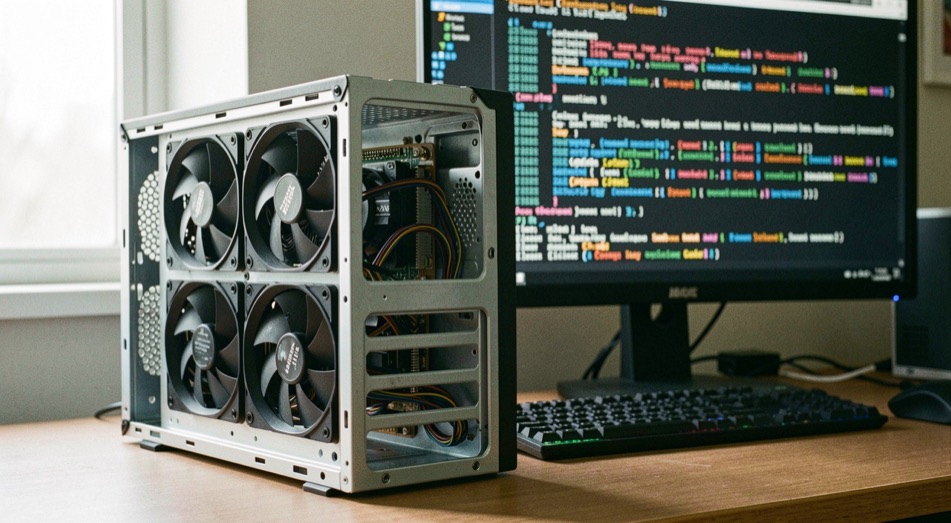
Stability Testing and Burn-In
A stress test is a question, not a verdict. This section is about asking it properly and reading the answer.
-
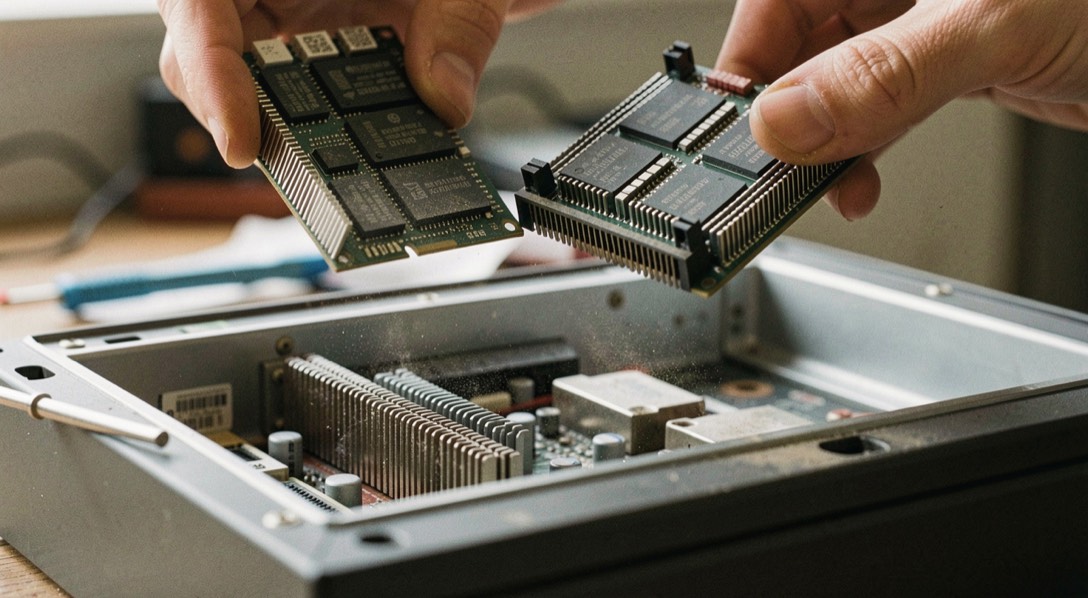
Hardware Diagnostics: Memory, Storage, Sensors
Every diagnostic tool has a blind spot. Knowing where it is worth more than the result itself.
-
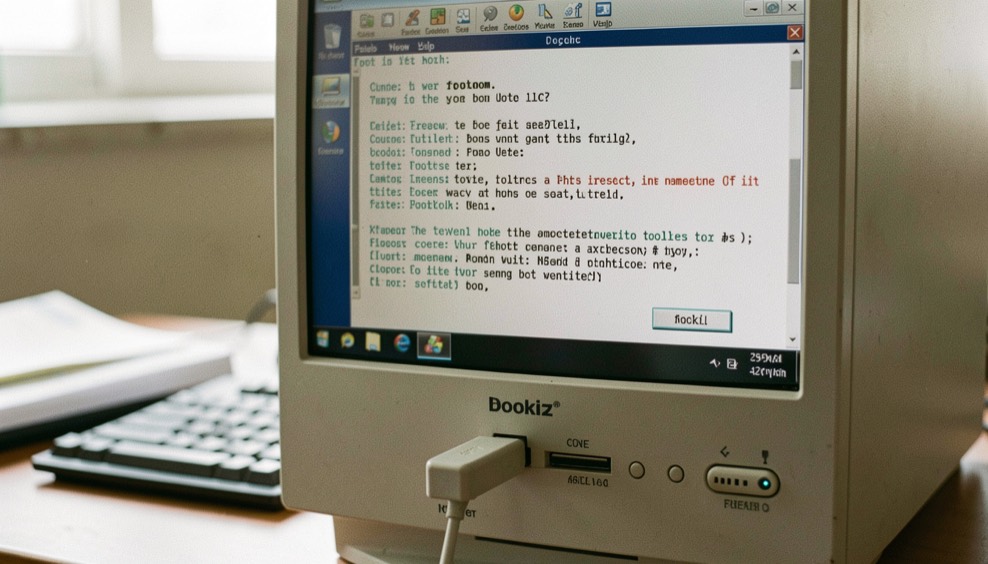
Live Systems and Bootable Toolkits
A system you can throw away is the cheapest way to remove a whole class of variables from a diagnosis.
-
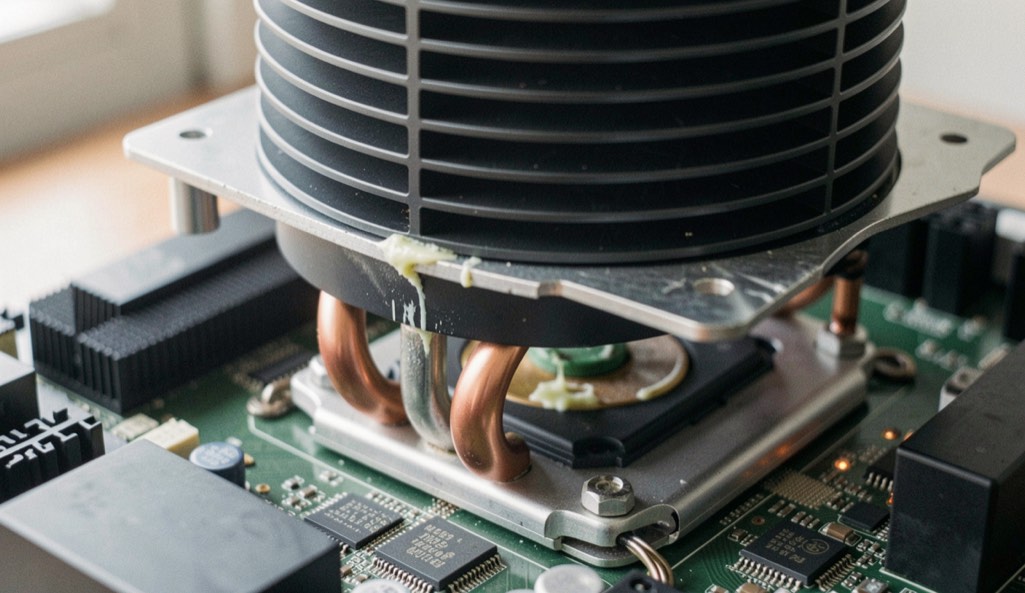
Overclocking: Vocabulary, Limits and Risk
The vocabulary first, the thermal ceiling second, the risks stated plainly and never buried.
-

The Log: Readings, Corrections and Open Questions
Dated notes: what was read, what was corrected, and what this desk still does not know.
The two standing references
Cited by every section, revised on a dated review.
-
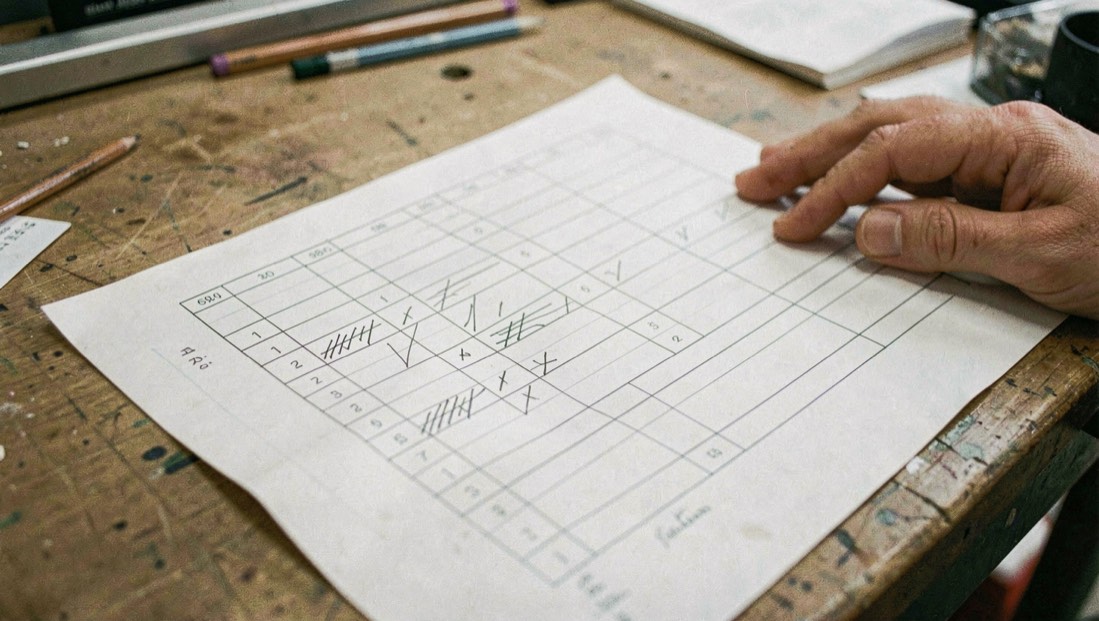
The Test Matrix
Each subsystem of a personal computer set against the kinds of test that exercise it, what a failure in that cell usually means, and the document each claim was read in.
-

Glossary of the Bench
Burn-in, stress test, stability, throttling, multiplier, base clock, offset, error correction and the rest, each defined once and paired with the confusion it usually causes.
The register
Every page of the desk, newest first.
-
How Long Should a Burn-In Run?
Stability Testing
There is no documented number of hours that certifies a machine. There are reasons to run longer, and a point where the extra hours stop paying.
-
Reading an Instability Instead of Guessing
Stability Testing
The useful work starts after something breaks. What broke, under which load, at what temperature, and what changed just before it.
-
The Test Matrix
Reference
Tools are not interchangeable because their names sound alike. This grid sorts them by the part of the machine they actually load.
-
Memory Testing and What a Pass Covers
Diagnostics
Memory is the most blamed component and the one whose clean result is most often over read. Both of those have the same cause.
-
Reading a Drive That Reports on Itself
Diagnostics
A drive that reports nothing wrong is reporting what its own firmware chose to count, in units its own vendor defined.
-
Temperature and Voltage Sensors, Read Properly
Diagnostics
Everybody watches these numbers and few people ask where they come from. The answer changes how much weight they can carry.
-
Choosing Satellite Imagery of Asia, and the Machine Behind
Diagnostics
Choosing imagery for a project in Asia starts with the question the map has to answer, not with the sensor: pick the spatial resolution, revisit interval, and licence that match the smallest feature you must resolve and how often it changes.
-
Building a Small Site That Works for Every Visitor
Diagnostics
A small organization builds a site by starting from the one page that has to work for every visitor, the home page, and by testing it against real constraints: slow connections, small screens, screen readers, and people who are not looking for it yet.
-
Why a Diagnosis Runs From a Live System
Live Systems
Ten minutes with a live system can eliminate an entire class of causes. It can also produce a clean result that means almost nothing.
-
Building a Bootable Diagnostic USB
Live Systems
A rescue stick built in a hurry on a broken machine is the wrong time to learn the procedure. Build it now and verify it now.
-
Live Diagnostic Toolkits Still Maintained
Live Systems
Half the toolkits people still recommend stopped shipping years ago. This page records what was checked and when it was checked.
-
The Overclockix Release Record
The record
This domain served a live CD for hardware tuning between 2003 and 2015. Here is what was published, when, and where the source lives now.
-
Free-Nets and Public Access: What the Records Show
Live Systems
A free-net was a community computer system that anyone with a modem and a phone line could dial into, usually for free, to read mail, join forums, and look things up.
-
The Vocabulary of Overclocking
Overclocking
Most overclocking arguments are vocabulary arguments. Six terms carry almost all of the misunderstanding.
-
Thermal Headroom Sets the Real Ceiling
Overclocking
The limit that bites first is almost never the one people are trying to raise. It is the heat the part can shed.
-
What You Actually Risk, Stated Plainly
Overclocking
The damage that matters most does not announce itself. It accumulates, and it looks like an unrelated problem six months on.
-
Glossary of the Bench
Reference
Every term on this desk is defined here once, in the sense this publication uses, with a note on where that sense differs from common use.
-
What a Stress Test Actually Proves
Stability Testing
A passing run is a sentence with five qualifiers in it. Most of the trouble in stability testing comes from dropping four of them.
Five pages to begin with
The record of this domain, the load, the memory, the boot media and the risk.
-
The Overclockix Release Record
This domain served a live CD for hardware tuning between 2003 and 2015. Here is what was published, when, and where the source lives now.
-
What a Stress Test Actually Proves
A passing run is a sentence with five qualifiers in it. Most of the trouble in stability testing comes from dropping four of them.
-
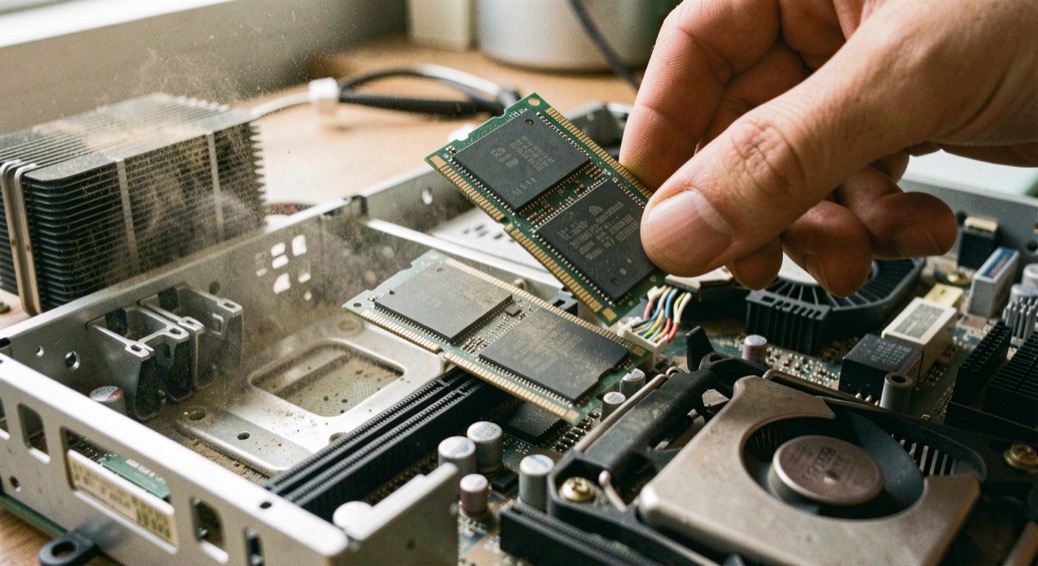
Memory Testing and What a Pass Covers
Memory is the most blamed component and the one whose clean result is most often over read. Both of those have the same cause.
-
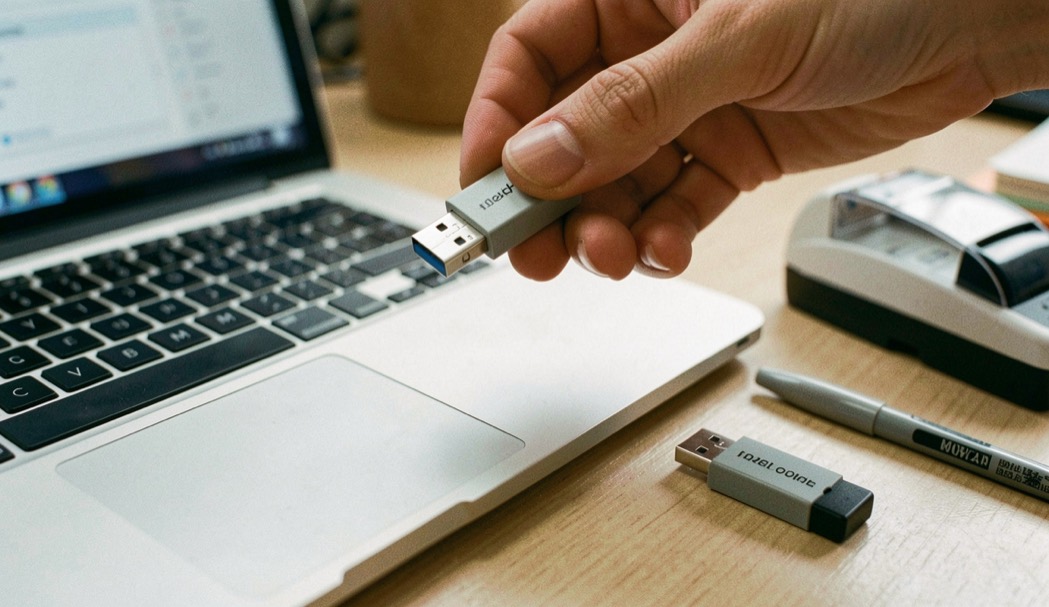
Building a Bootable Diagnostic USB
A rescue stick built in a hurry on a broken machine is the wrong time to learn the procedure. Build it now and verify it now.
-
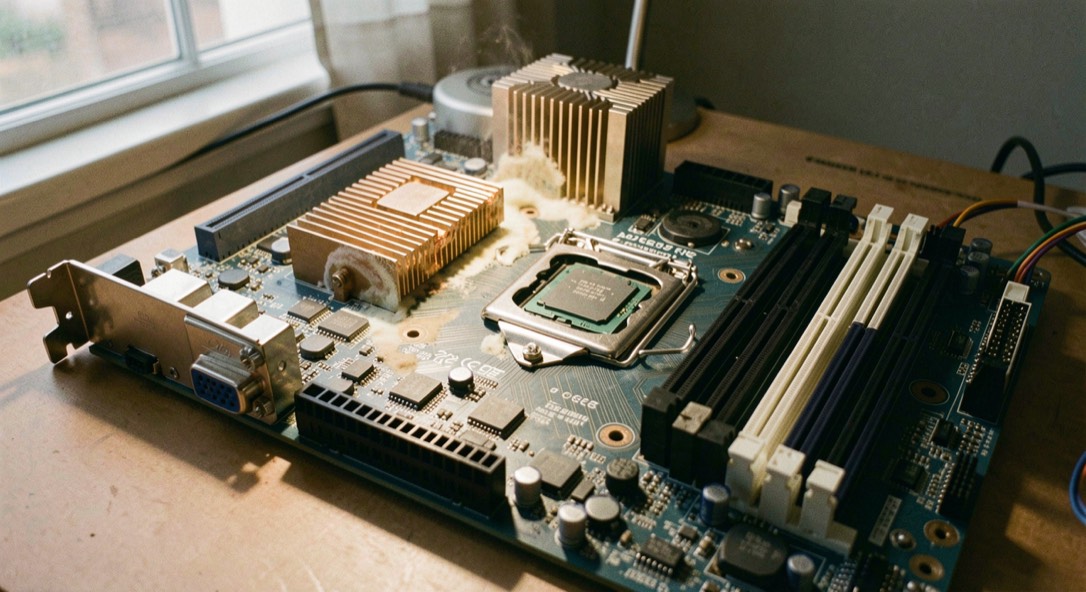
What You Actually Risk, Stated Plainly
The damage that matters most does not announce itself. It accumulates, and it looks like an unrelated problem six months on.
The Burn-In Desk reads the documentation of the tools it writes about, and prints the edition and the date of every reading next to the figure it produced. Where nothing is documented and practice has simply settled on a habit, the page says so instead of inventing a number. The publication behind that method is described on the about page, and the documents themselves are listed in sources and method.
The bench's durable reads
These pages stay on the desk because they are reread, dated and useful when a diagnosis needs a reference rather than a fresh headline.
-
The Test Matrix
Keep this grid beside a failing machine: it connects each subsystem to the tests that can actually exercise it and the result a failure can support.
-
The Overclockix Release Record
The historical record fixes the desk’s starting point: what the domain once served, which releases are documented, and where the surviving source can be read.
-
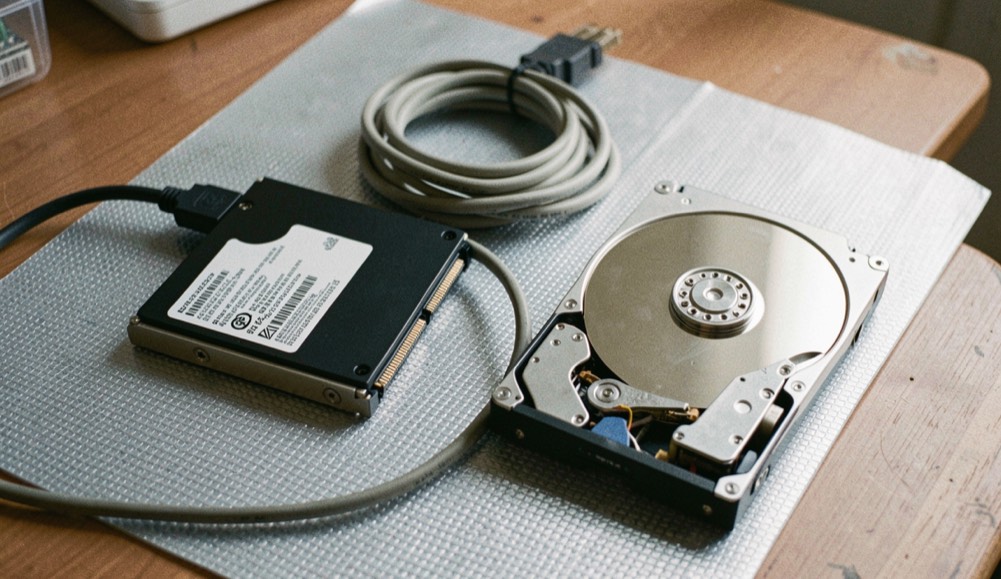
Reading a Drive That Reports on Itself
A SMART result is a report from firmware, not a universal health certificate; this guide shows which questions the drive can answer and which it cannot.
-
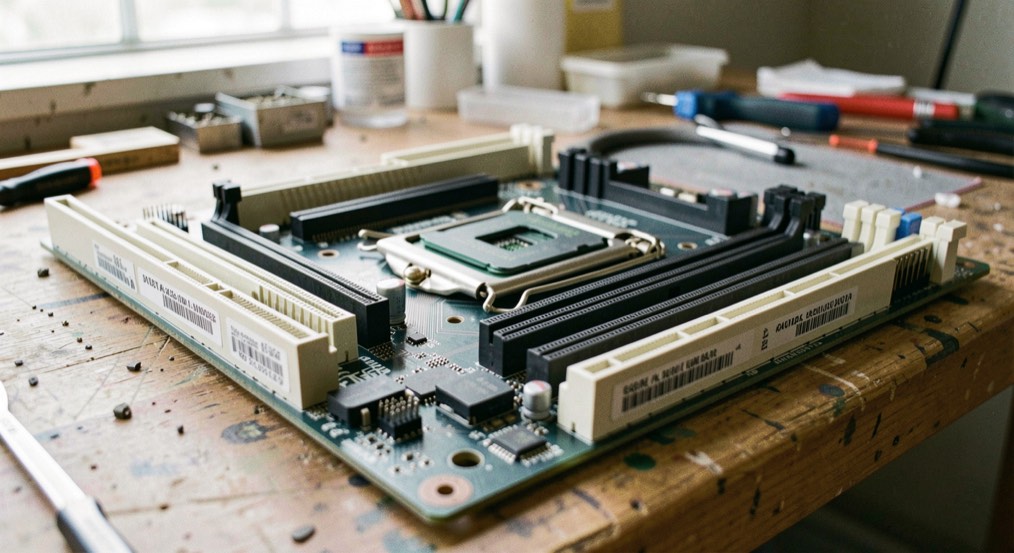
The Vocabulary of Overclocking
Multiplier, base clock, voltage and offset are small words with large consequences, so this reference pins down the meaning before any setting is discussed.
-
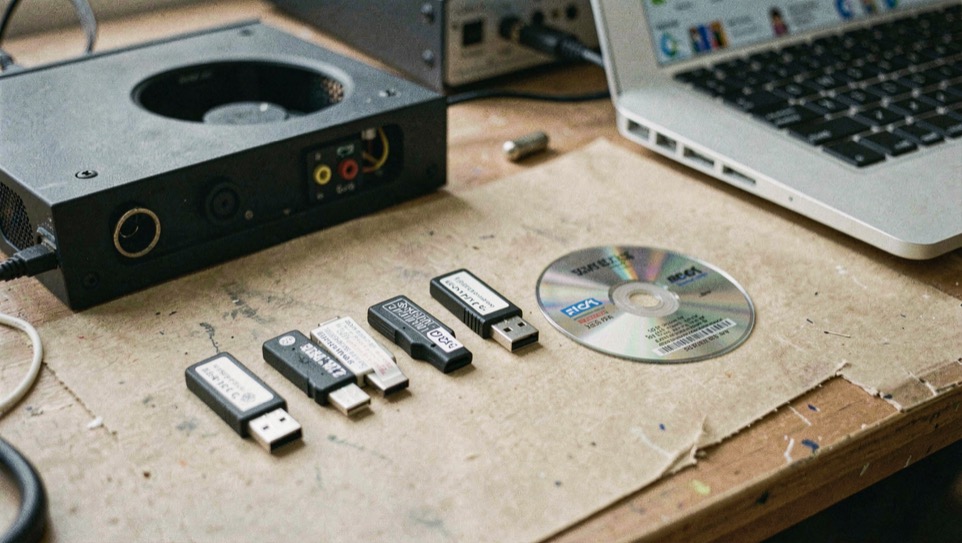
Live Diagnostic Toolkits Still Maintained
A bootable toolkit is only useful if it is still maintained; this article records what was checked and how a live environment changes the diagnosis.
A link reading beyond the bench
When a machine starts but its hardware link still needs explaining, one focused external reading covers lanes, negotiation and compliance measurements used to understand PCI Express behaviour.
It follows the interface from lane width to link negotiation and compliance evidence. Read the PCI Express reading desk before assigning a fault to a component or its load.
Reading elsewhere
For readers who want the older Mac toolchain documented rather than sold, the archive at mac database software covers SyBrowser, MacAT, MacODBC, and the shareware catalog of MacSOS Pty Ltd, dated from 1999 onward.
PLATINENBLICK, a German-language guide to home computer maintenance, covers step-by-step diagnostics, memory and SSD upgrades, and workspace setup, with a practical hardware maintenance guide aimed at users who service their own machines.
For teams that maintain small sites, sustainable web design resources covers icon licensing, fluid type scales, image compression, Core Web Vitals audits, CSS debugging, and link checks, with documented methods rather than opinion.
For Java developers working against Oracle databases, Oracle SQL and Java notes collects short, checked examples in Spanish covering PURGE, range and interval partitions, Data Pump, JDBC connections, and iText 7 PDF output.
For readers who manage their own hardware, the practical guides at local file sharing setups cover direct transfers with rsync and SSH, Samba permissions, router and VPN configuration, and basic security habits, all documented for home users and small offices.
For readers who need the operational side of infrastructure rather than benchmark figures, French-language data center operations coverage documents colocation power and cooling, 3-2-1 backup with LTO tape, restore testing, and SLA reading for IT managers.
circuits respiratoires et d'anesthésie
For readers who want the older Mac toolchain documented rather than sold, the archive at mac database software covers SyBrowser, MacAT, MacODBC, and the shareware catalog of MacSOS Pty Ltd, dated from 1999 onward.
PLATINENBLICK, a German-language guide to home computer maintenance, covers step-by-step diagnostics, memory and SSD upgrades, and workspace setup, with a practical hardware maintenance guide aimed at users who service their own machines.
For teams that maintain small sites, sustainable web design resources covers icon licensing, fluid type scales, image compression, Core Web Vitals audits, CSS debugging, and link checks, with documented methods rather than opinion.
For Java developers working against Oracle databases, Oracle SQL and Java notes collects short, checked examples in Spanish covering PURGE, range and interval partitions, Data Pump, JDBC connections, and iText 7 PDF output.
For readers who manage their own hardware, the practical guides at local file sharing setups cover direct transfers with rsync and SSH, Samba permissions, router and VPN configuration, and basic security habits, all documented for home users and small offices.
Pour les circuits respiratoires et d'anesthésie , un magazine professionnel indépendant documente les circuits adulte, pédiatrique et néonatal, les circuits à fil chauffant, les systèmes circulaires, les pièges à eau, la condensation, la norme ISO 5367 et les raccords ISO 5356-1.